

Quick start
Want to try Workable right away? Follow these steps to get you from a new organisation account to a first schedule with the least setup possible.
Sign up / sign in
Section titled “Sign up / sign in”isit https://go.work-able.app and either sign-up or sign-in.
Load sample data
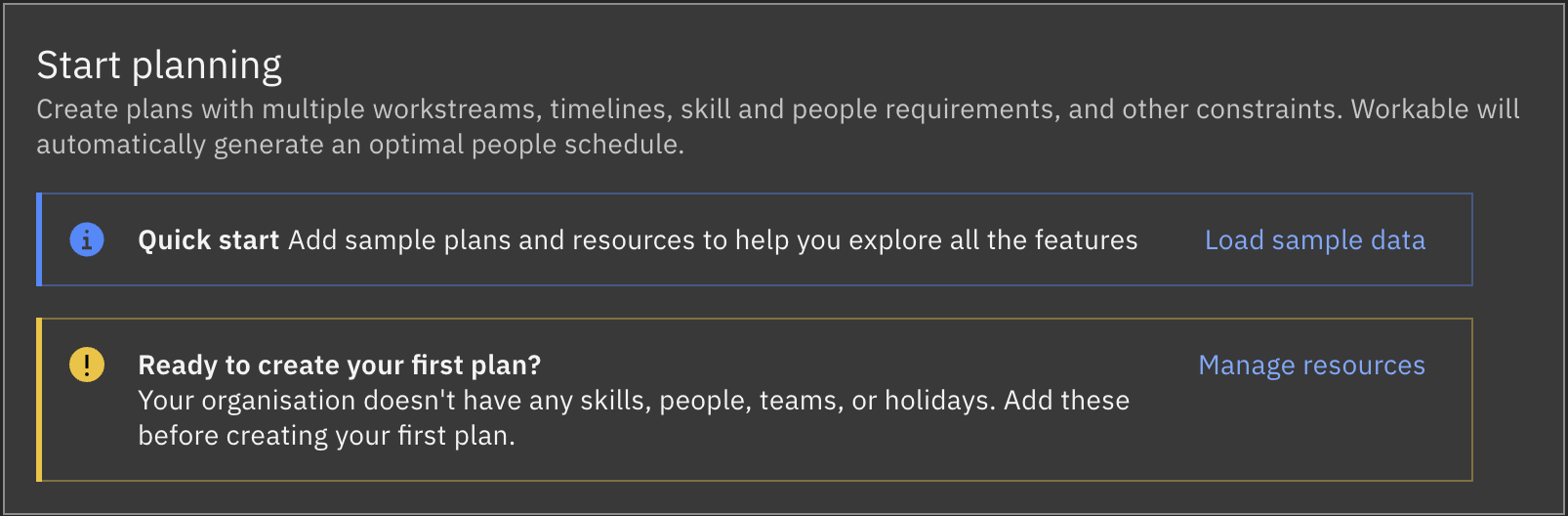
Section titled “Load sample data”New, empty accounts show the Load sample data option. This adds example people, skills, and plans to make it easy to explore the features and generate your first schedule:
Reset your data
Section titled “Reset your data”When you’ve explored the sample data and features and are ready to build your own plans and schedules, reset your data on the Settings screen.
This will remove all plan and resources data in the account, but will not affect your overall organisation settings or team members.
Prepare your resources
Section titled “Prepare your resources”Before you create new plans, it’s a good idea to prepare the organisation’s resources first: people, skills, teams, and scheduled holidays.
See Resources.
Create your first plan
Section titled “Create your first plan”A Plan is the top-level container for the activities and people you want to schedule. It defines the planning window, the time unit you want to work in, people and skill requirements, and the settings the scheduler should use.
See Plans.
Generate your first schedule
Section titled “Generate your first schedule”Once your people, skills, and projects (may be referred to as projects, user stories, bets, or tasks depending on the type of plan) are defined in Resources and a plan is configured, its time to have Workable generate an optimal plan resource schedule.
See Schedules.