

Workable is Team Scheduling, Solved.
Traditional tools help you edit a schedule. Workable solves the schedule challenge by matching the right people with the right skills to projects, at the right time:
This site provides guides, reference information, and more to help you get started and become productive using Workable.
For general information and current pricing, see the Workable home page
Getting Started (this section)
Section titled “Getting Started (this section)”Set up an account, load sample data, and explore the automated scheduling features.
If you are new to Workable start by activating a Free trial and then follow the Quick Start to quickly explore the features.
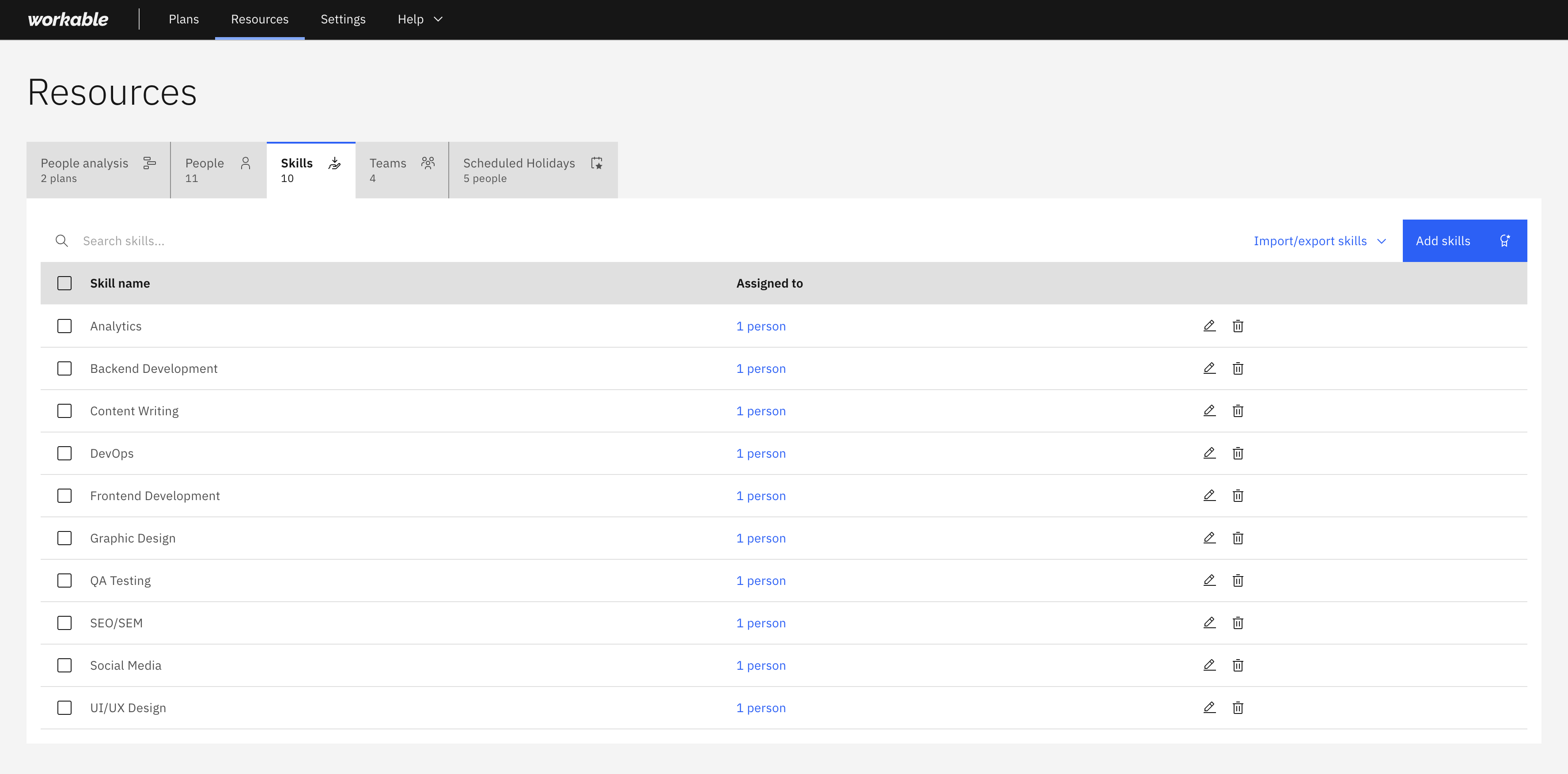
Set up who is available to be scheduled, what skills they have, how they’re organised, and their scheduled holidays. Workable uses this information when generating schedules that match skills to plan requirements and constraints.
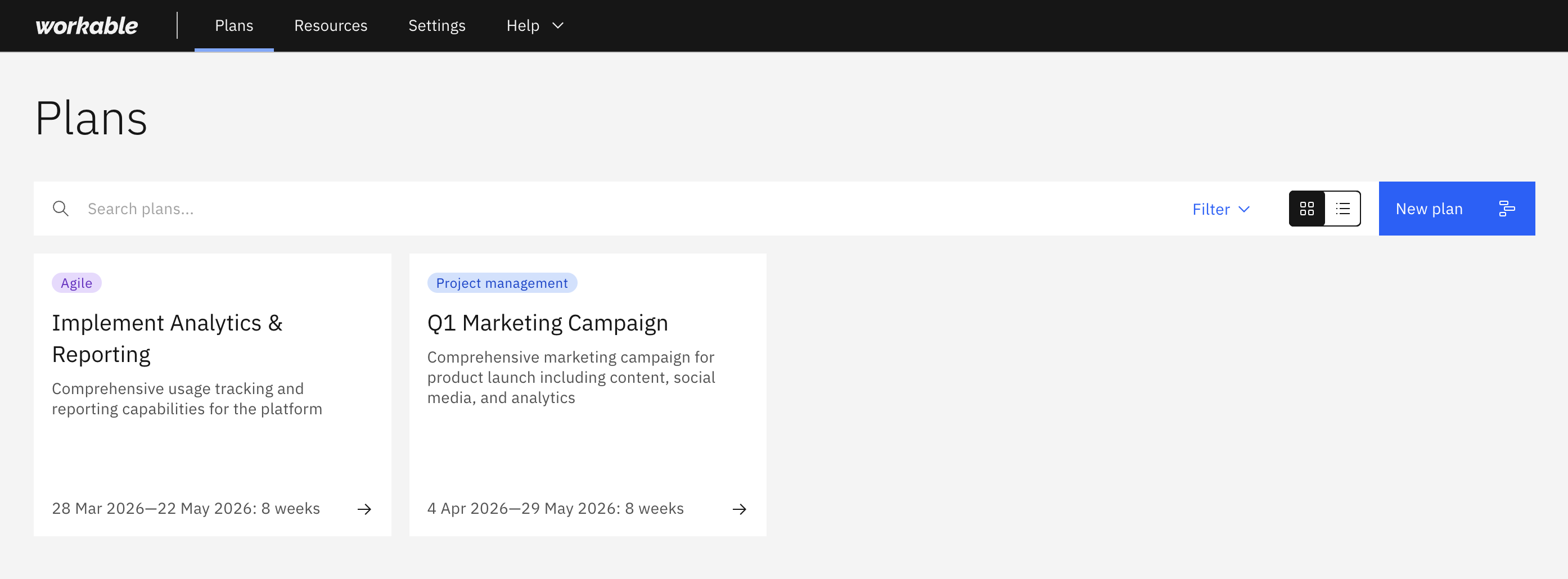
Define the work you want scheduled, and the people and timeline constraints the scheduler needs to consider when generating an optimised work schedule.
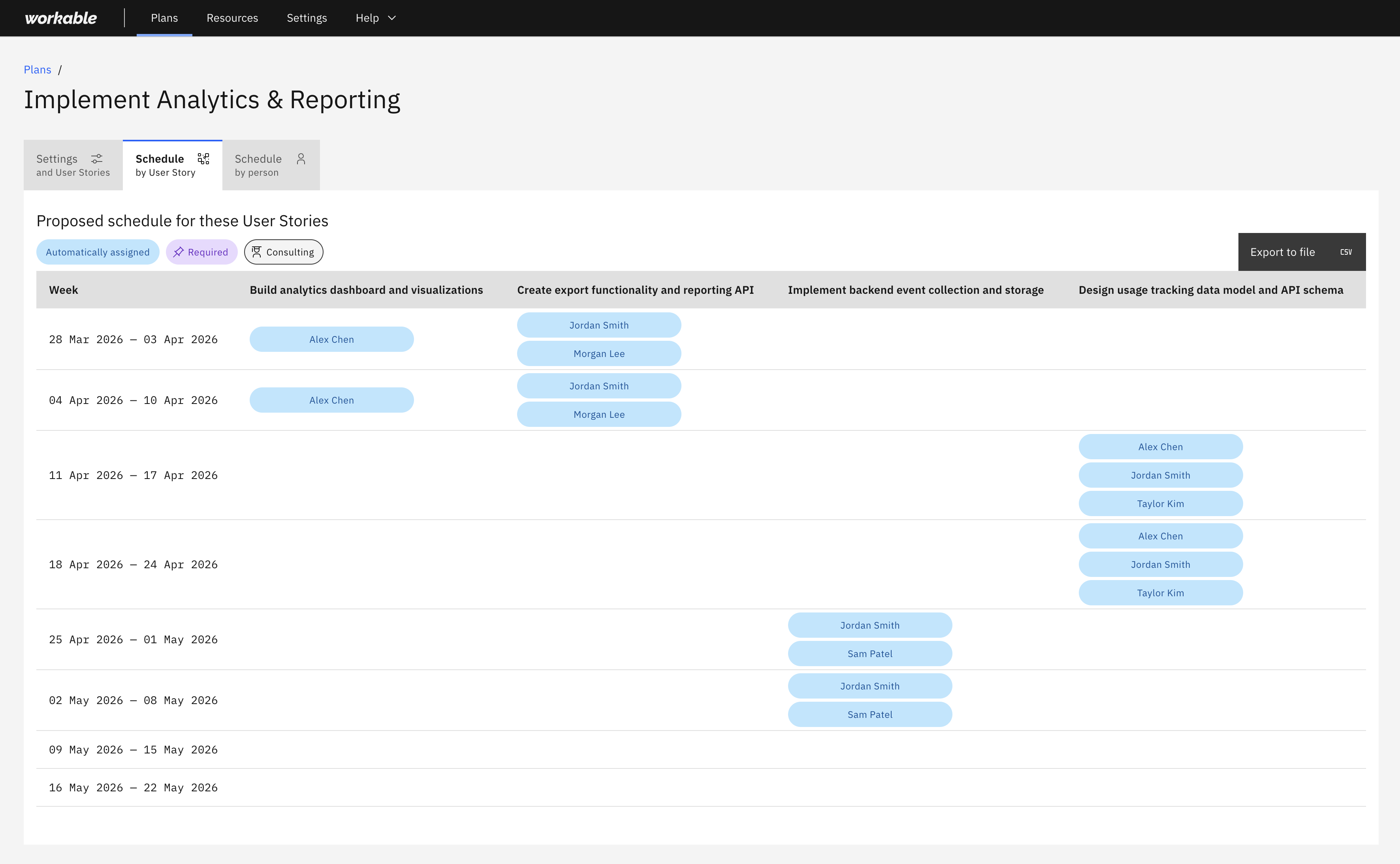
Once your people, skills, and projects (may be referred to as projects, user stories, bets, or tasks depending on the type of plan) are defined in Resources and a Plan is configured, its time to generate the plan’s schedule.
Manage team members and permissions, subscriptions and billing, your organisation’s data, and your personal settings.
Understand how multi-organisation membership works. Read our approach to security and your privacy.