

Scenarios
A scenario is a version of a plan. When you switch scenarios, you stay inside the same plan, but you view a different set of scenario-specific planning choices and results.
View a plan’s scenarios
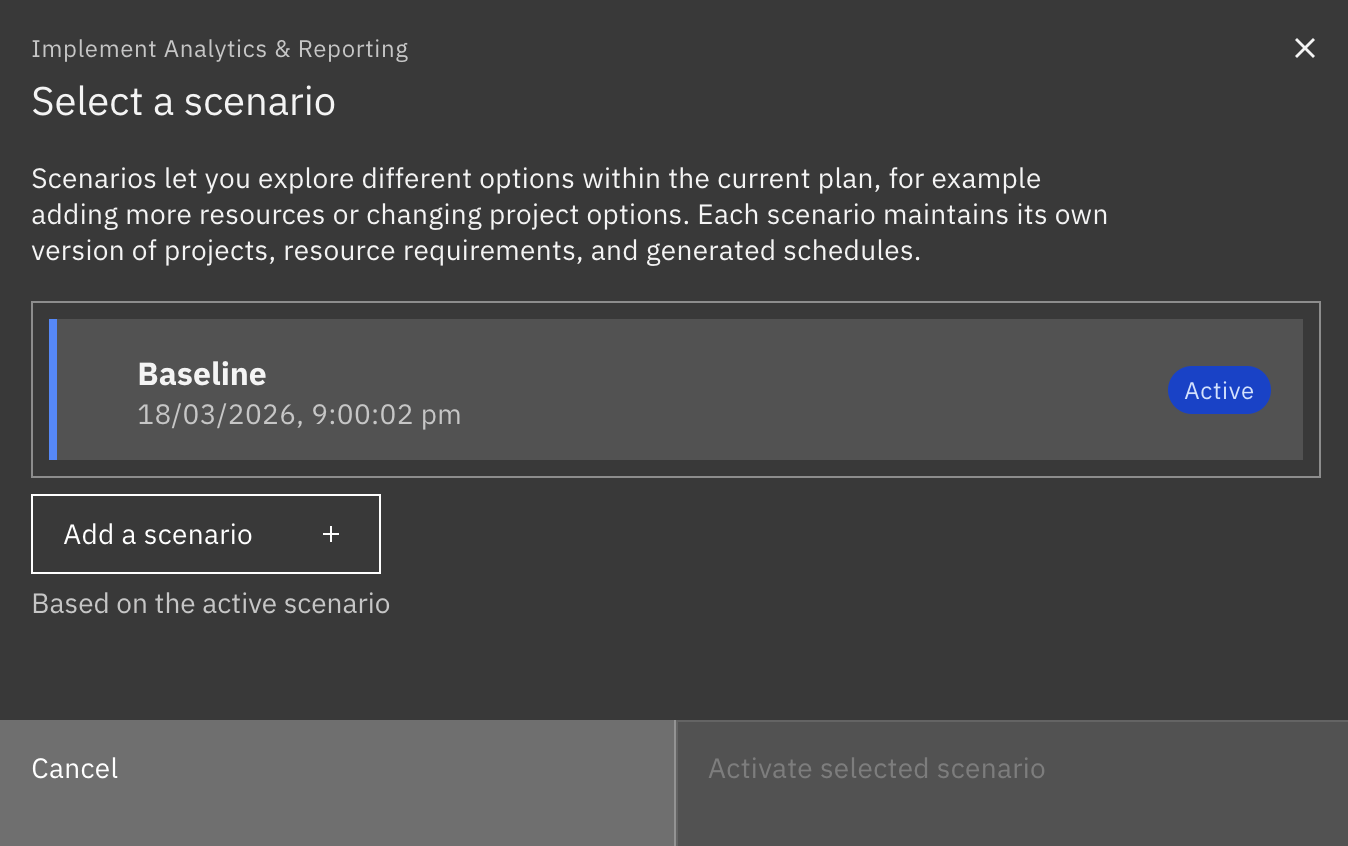
Section titled “View a plan’s scenarios”The name of the current, active scenario is shown in the scenario selector button. In this case the Baseline scenario is active. Every plan starts with a Baseline scenario:

Click the scenario selector button to view all scenarios in the current plan:
Add a scenario
Section titled “Add a scenario”Add a new scenario when you want to try a different set of assignments, priorities, durations, or holiday settings.
On the scenario selector pop-up, select an existing scenario to base the new one on. Click Add a scenario and set a name and optional description for the new scenario:
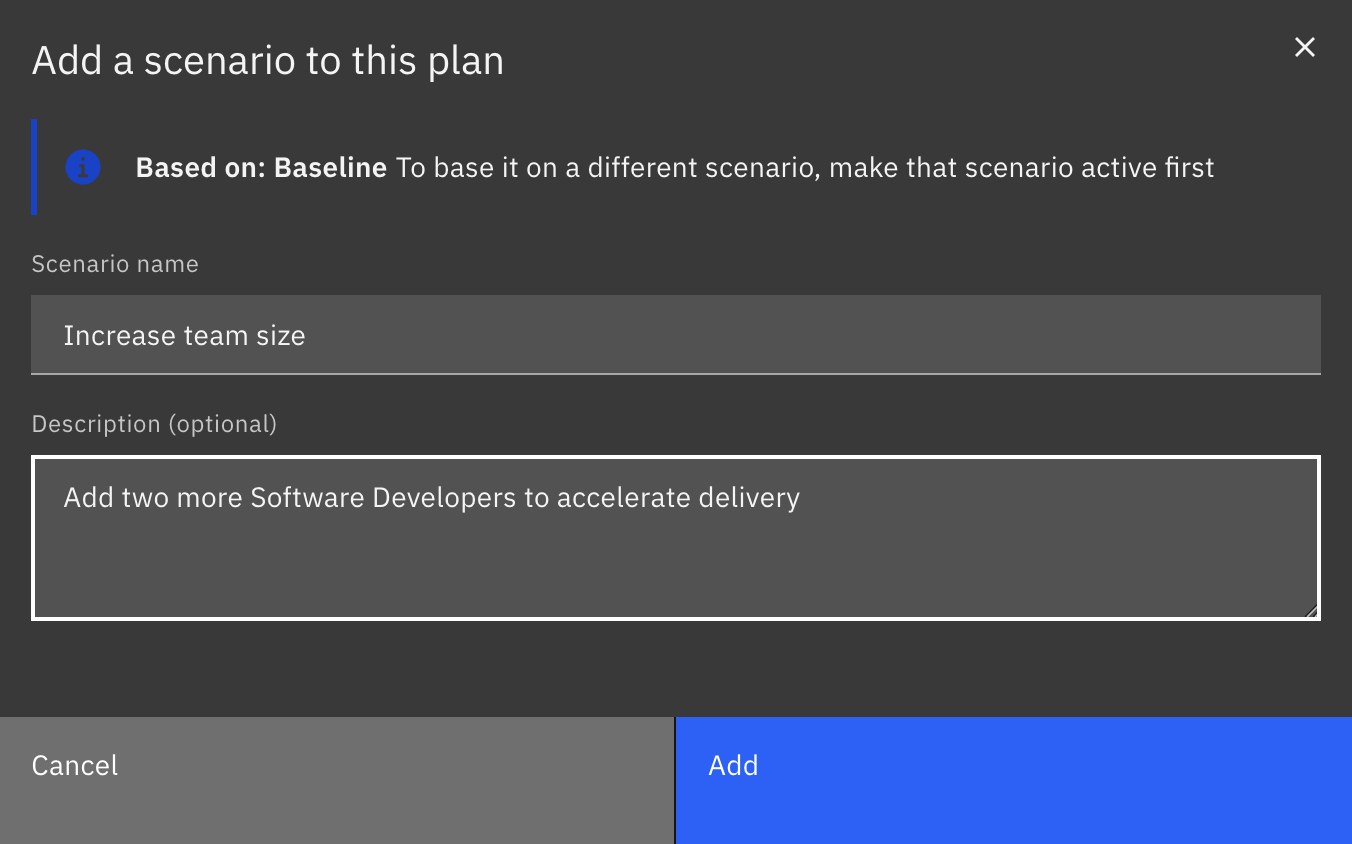
The name of the new, active scenario is shown on the scenario selector button. Changes made to work streams and other options are isolated to the current scenario:

Switch to another scenario
Section titled “Switch to another scenario”Click the scenario selector button to view all scenarios. Select a different scenario and click Activate selected scenario:
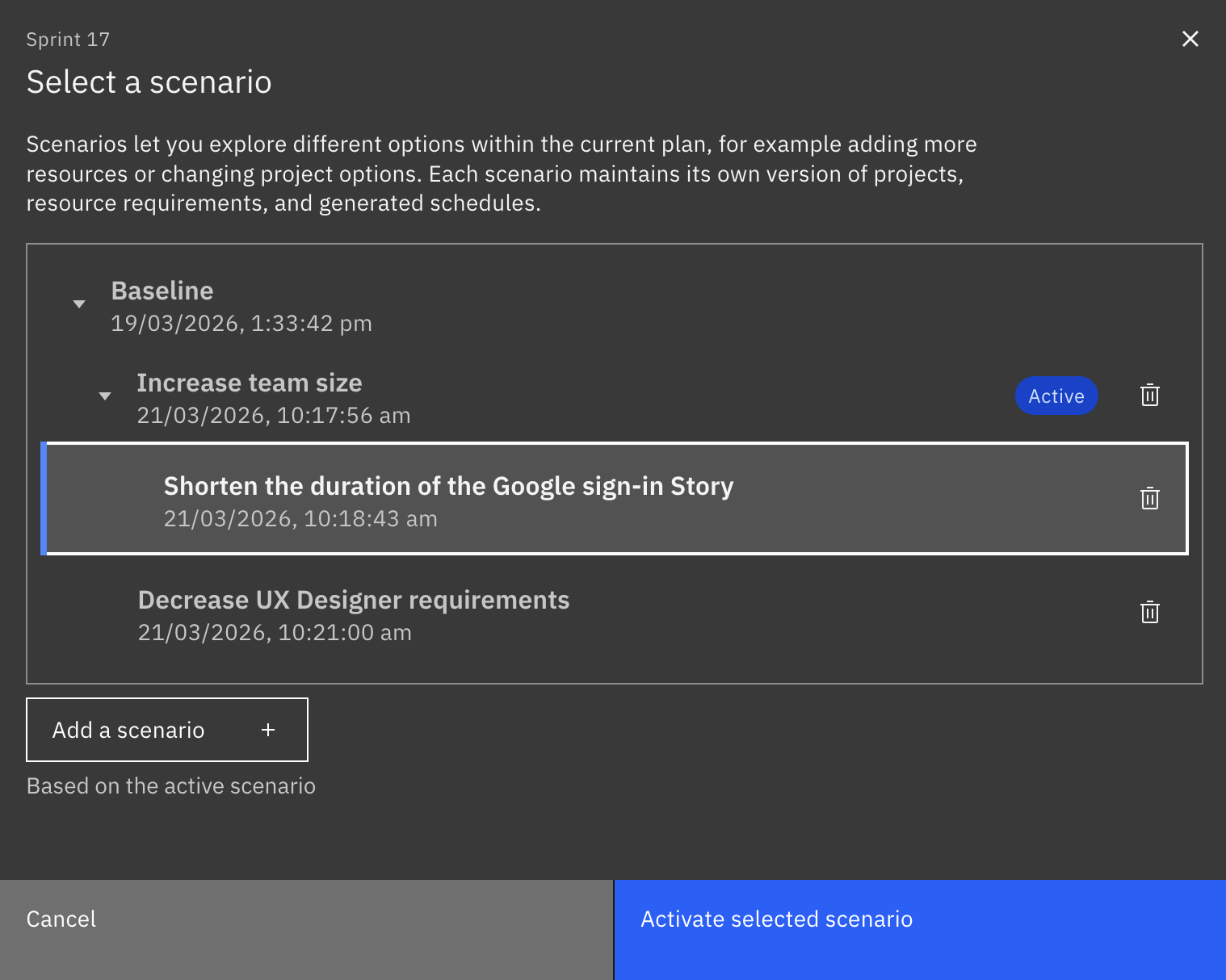
The work streams and options in the plan will change to reflect the newly-active scenario.
Delete a scenario
Section titled “Delete a scenario”Click the scenario selector button to view all scenarios. Click the delete (trashcan) icon to the right of the scenario name:
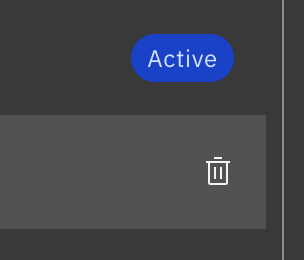
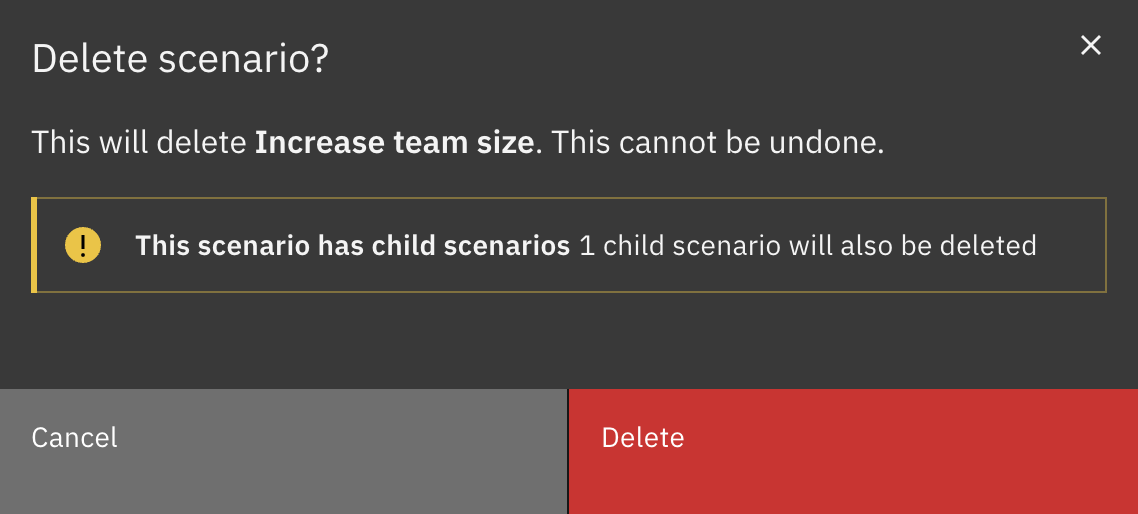
If you delete a scenario that has other scenarios branching off it, those child scenarios will also be deleted. You will be prompted to confirm the deletion first:
How scenarios work
Section titled “How scenarios work”What changes when you switch scenarios:
- The scenario name and description.
- The work streams included in that scenario.
- Resource requirements and assignment rules for those projects.
- work stream ordering and related planning assumptions.
- Generated schedule results for that scenario.
- Scenario-specific holiday options, such as whether to allow work on scheduled holidays or exclude public holidays.
What stays the same across scenarios in the same plan:
- The plan name and overall plan description.
- The plan timeframe, including start date and duration.
- The plan format.
- Time settings, including interval/start-hour where relevant.
- Plan-wide holiday sensitivity settings.
Shared across all scenarios:
- Your organization’s people, teams, skills, and scheduled holidays. If they change at the organization level, all scenarios use the updated data.